
The Best CRM for CPA Firms:
3 Top Tools to Transform Your Practice
A key part of running a successful CPA firm is how well you manage leads and ongoing client relationships. A robust Customer Relationship Management (CRM) system will make that aspect of your business a lot easier to handle.
Tired of reading?
Listen to our hosts, Minnie Profit & Max Refund, discuss this topic.

Mike de Ravel
Providing expert marketing insights for accountants, bookkeepers and tax professionals.
Looking For A CRM For CPA Firms?
Whether your CPA firm is looking to improve how it collects and stores contact information, tracks sales opportunities, communicates with clients, automates email responses or monitors ROI on your marketing efforts, a CRM is what you need.
But not all CRMs are created equal. Accounting firms have unique needs that require tailored solutions. Some softwares are strong at practice management where others are more traditional CRMs.
Some CRMs have too many unnecessary features. Others are clunky and difficult to use. We should know. As a marketing agency that works exclusively with CPA firms, we’ve tried them all.
Choose the wrong CRM and you’ll be frustrated. Choose the best CRM for a CPA firm and you’ll be glad you did. Plus, your marketing will be significantly more effective!
In this guide, we’ll explore three of the best CRMs for CPA firms, their features, and how they can help your firm thrive in an increasingly digital world.
We’ll cover:

Does your CPA firm need a better marketing strategy?
Avoid wasting your time and money with strategies that don’t work.
We work exclusively with accounting firms. That means you get a team that knows what works, from day 1!
Practice Management Software vs CRMs For CPA Firms
Before we get too far into this, it’s important to note that there’s a clear distinction between two types of software that most accounting firms need. One is a practice management software and the other is a CRM.
The primary difference between practice management software and a CRM lies in their focus and functionality:
- Practice Management Software is designed to manage the operational and administrative aspects of an accounting firm, such as task tracking, document management, team collaboration, time tracking, billing, and client workflows. It’s tailored to streamline internal processes within a practice.
- A CRM focuses on managing relationships with clients and prospects. It includes tools for lead generation, client communication, sales tracking, and marketing automation, aiming to strengthen the sales and marketing arm of a firm.
In summary, practice management software supports internal operations, while a CRM is geared toward external relationship building.
There are some really great practice management platforms out there, like Karbon, Canopy, TaxDome and Practice Ignition. These are first and foremost practice management tools. Some of them include a CRM feature. However, that’s not the primary focus of these platforms. Because of that, they do not sufficiently support the marketing needs of a CPA firm.
Conversely, there are some great CRMs for CPA firms, but they don’t support the practice management side too well.
A lot of our clients prefer to keep their practice management software clean of leads and marketing contacts. They use their CRM to handle the marketing and sales function. Once a lead becomes a client they’re exported into the practice management platform.
In this post, we’ll only be looking at the best CRMs for CPA firms.

Why Does Your CPA Firm Need a CRM?
A CRM is more than just a place to store your contact info. For your CPA firm it serves as an essential tool to:
- Centralize contact data: Store lead and client information, your communication history with them, meeting notes, deal status, and project details in one secure location.Centralize contact data: Store lead and client information, your communication history with them, meeting notes, deal status, and project details in one secure location.
- Improve sales efficiency: The best CRMs for CPA firms allow you to set up your sales pipeline and easily track deals, their deal value, and status as leads move from cold to client.
- Automate workflows: You can save a ton of time by automating routine tasks such as sending out an automated email or sms when someone contacts you via your website.
- Better client communication: Simple features like automated reminders, SMS communication and email newsletters to clients can greatly improve how people interact and perceive your CPA firm.
- Improve team collaboration: Track your team members’ progress, assign tasks, and work together efficiently.
- Generate insights: The best CRMs have built-in reporting tools that allow you to make data-driven decisions and improve your marketing and sales.
3 Top CRMs for CPA Firms
1. Roar! A CRM for Accountants
Roar! is the best CRM for accountants. It’s built on the framework of Go High Level and tailored by our agency, specifically for accounting firms. It’s a powerful, all in one marketing platform to attract, nurture, and manage leads.
Key features include:
- Lead capture & nurturing: Tools like web forms, chatbots, call tracking, and automated SMS and email communication keep your pipeline active.
- Centralized communication: Manage interactions across email, SMS and social messaging in one location.
- All-in-One: Roar! goes really stands out as a powerful marketing platform in that it offers additional features like, website builders, funnels, social media posting from the platform, meeting calendars and many more features that most CRMs charge extra for.
- CPA firm workflow automations: We’ve developed custom automated workflows for CPA firms and bookkeepers.
- Real-time reporting: Gain insights into deal pipelines, close rates, and ROI. This is something that’s missing from a lot of CRMs or is often difficult to visualize and manage.
The best past is the pricing.
Plans start at $49/month, and we don’t charge for additional seats/users like other CRMs.
Try it out now with a free 14-day trial.
2. HubSpot CRM
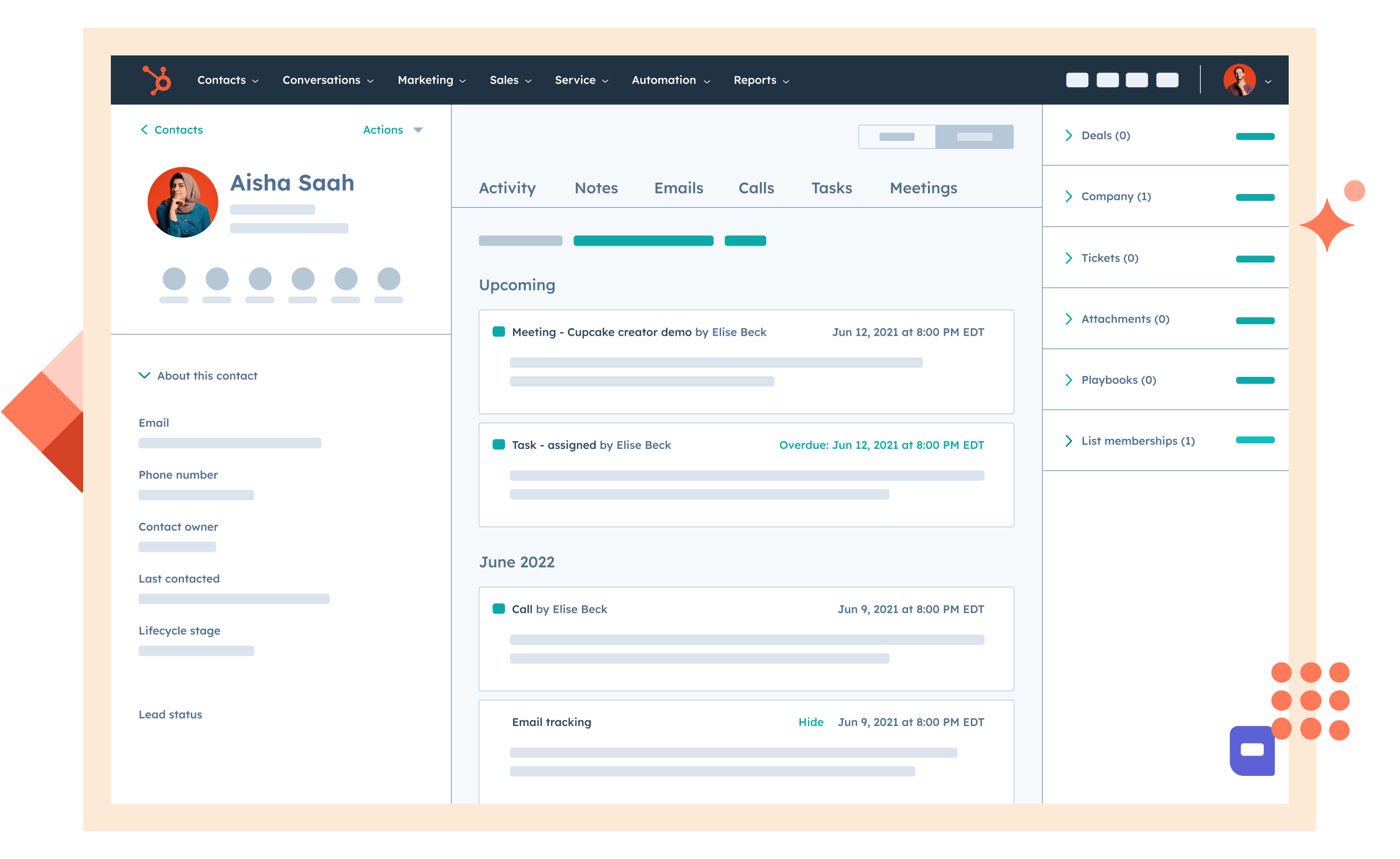
HubSpot CRM is a popular choice for CPA firms due to its intuitive interface and extensive features. Its free plan offers excellent functionality for small accounting firms or bookkeepers, as long as you’re comfortable with the Hubspot branding on your forms and email communications.
As a Hubspot partner we’ve used this platform exclusively for many CPA firms and continue to do so with clients who are married to it. However, we’ve found that, for accounting firms, there are too many unnecessary features. The costs of using Hubspot increase dramatically if you want to use some of the key features that most firms would want to use.
That might be ok for large firms, but for most it’s a considerable expense that could be avoided with another platform like Roar!, which offers similar (or better) features at a much lower cost.
Key Features:
- Contact and deal tracking.
- Email integration and automation.
- Reporting dashboards.
Best For: Smaller firms looking for a user-friendly and cost-effective solution.
Pros: Free plan, customizable.
Cons: Limited accounting-specific features. Expensive if you upgrade plans.
3. Zoho CRM
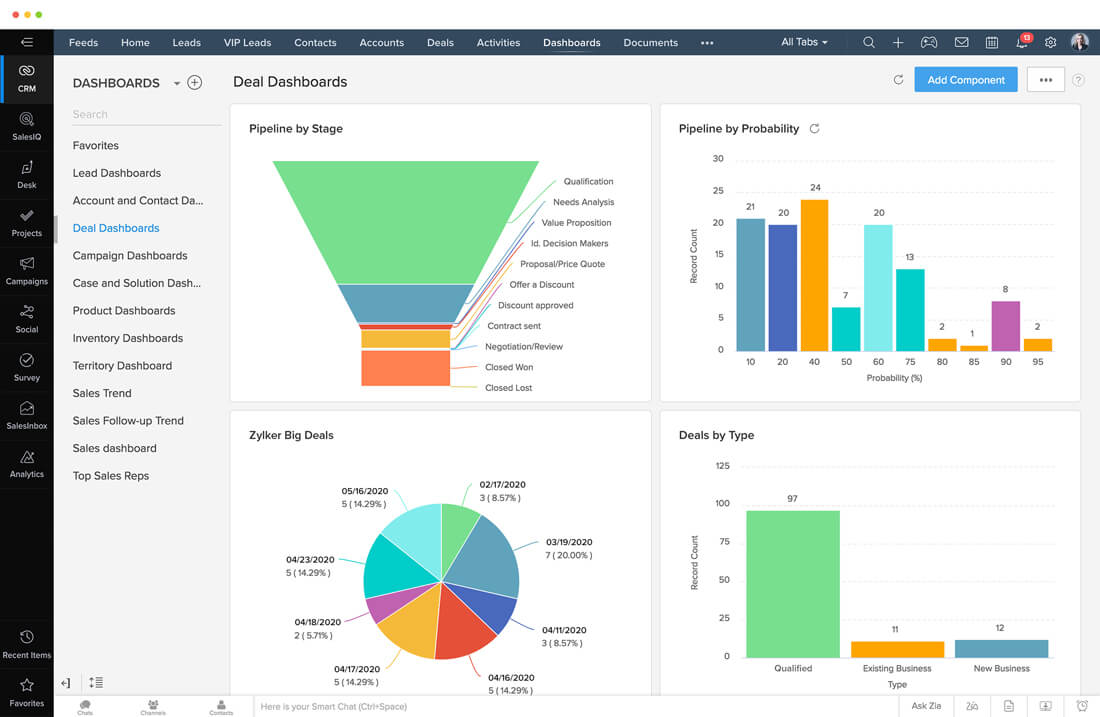
Zoho CRM offers a balance of affordability and customization, making it a good option for smaller CPA firms needing flexibility.
Key Features:
- Workflow automation.
- AI-powered insights.
- Integration with Zoho Books and QuickBooks.
Best For: Small to mid-sized firms seeking customizable solutions.
Pros: Affordable, mobile-friendly.
Cons: Steeper learning curve for advanced features.
This list isn’t exhaustive, but from our experience, these are 3 of the best CRMs for CPA firms. Other options to consider include Salesforce, NutShell, Freshsales, Insightly, Keap, and Pipedrive.
How to Choose the Right CRM for Your CPA Firm
Selecting the best CRM for your firm requires careful consideration of your goals, team size, and budget. Here are some tips to help you decide:
- Start with a needs assessment: Identify your firm’s pain points—whether it’s generating leads, nurturing leads, client communication, task management, or reporting.
- Try free trials: Most CRMs offer free trials or demos. Test them with real scenarios to evaluate usability. Roar! comes with a 14 day free trial and support. Contact us if you’d like a free demo.
- Check the integrations: Ensure the CRM integrates with the software your firm already uses and the tools you plan to use it with.
- Prioritize security: For CPA firms, safeguarding client data is non-negotiable.
At the end of the day, choosing the right CRM should come down to your specific CPA firms, budget, needs and the CRM capabilities that match that.
Get The Best CRM For CPA Firms
The right CRM can really transform your CPA firm’s marketing and sales department.
A powerful platform like Roar! can help you generate leads, nurture them automatically, manage opportunities clearly and monitor your ROI. Investing in the right CRM is a step toward greater efficiency and success.
Need help choosing or implementing a CRM? At MITCO Digital, we specialize in helping CPA firms bring their marketing to life!
Contact us today if you’d like more information.
Let’s make your marketing department Roar!
FAQs
What is the difference between practice management software and a CRM?
Practice management software is designed to streamline the internal operations of an accounting firm. This includes features such as task tracking, document management, team collaboration, time tracking, billing, and client workflows.
CRM (Customer Relationship Management) software focuses on managing relationships with clients and prospects. It’s geared towards external relationship building and includes tools for lead generation, client communication, sales tracking, and marketing automation.
2. Why does my CPA firm need a CRM?
A CRM provides several benefits, including:
- Centralized contact data: Store all client and prospect information, communication history, meeting notes, and project details in one secure location.
- Improved sales efficiency: Track deals, their value, and their status as they move through your sales pipeline.
- Automated workflows: Save time by automating tasks like sending emails or SMS messages to new website inquiries.
- Better client communication: Use features like automated reminders, SMS communication, and email newsletters to improve client interaction and perception of your firm.
- Improved team collaboration: Track team member progress, assign tasks, and work together more efficiently.
- Data-driven insights: Generate reports to make informed decisions and improve your marketing and sales strategies.
3. What features should I look for in a CRM for my CPA firm?
Consider your firm’s specific needs when choosing a CRM. Essential features may include:
- Lead capture and nurturing: Tools for capturing leads from various sources and nurturing them through automated communication.
- Sales pipeline management: Ability to track deals, their value, and their stage in the sales process.
- Workflow automation: Automate repetitive tasks like sending emails, scheduling appointments, or generating reports.
- Client communication tools: Features like email marketing, SMS messaging, and integrated calendars for seamless communication.
- Reporting and analytics: Track key metrics like lead conversion rates, sales performance, and marketing ROI.
- Integrations: Compatibility with other software your firm uses, such as accounting software, email platforms, and marketing tools.
4. How much does a CRM for a CPA firm cost?
CRM pricing varies widely depending on the features, number of users, and chosen plan. Options range from free plans with limited functionality to enterprise-level solutions costing thousands of dollars per month. Roar!, for example, starts at $49/month with unlimited users.
5. Can a CRM help my CPA firm generate more leads and grow my business?
Yes, a CRM can significantly contribute to lead generation and business growth. Features like lead capture tools, automated lead nurturing, and marketing automation help attract new prospects and convert them into clients. Furthermore, by streamlining client management and improving communication, CRMs foster stronger client relationships, leading to increased retention and referrals.